Runs in your browser · nothing to install

Generative design for real parts

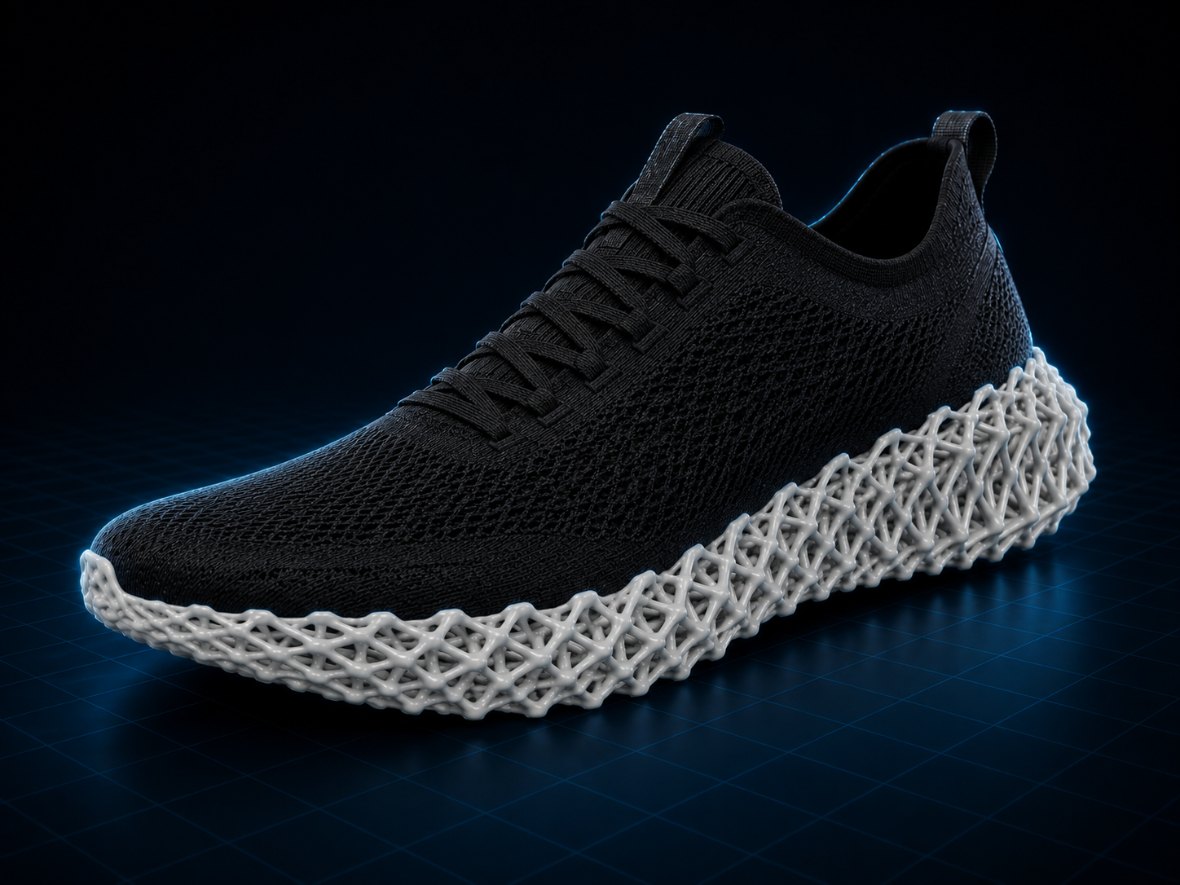
OptiForm is a browser-native studio for industrial designers and engineers: upload an STL, let FEM-driven topology optimization strip away the material a part doesn't need, or fill it with tuned lattice and TPMS structures — then export it ready to print.

Optiform · topology optimization · lattice & TPMS generation

2 in 1

Workspaces — topology & lattice

No install

Runs entirely in your browser

FEM + SIMP

A real solver, not a mock-up

STL / OBJ

Export straight to your slicer

Workspace 01

Topology optimization

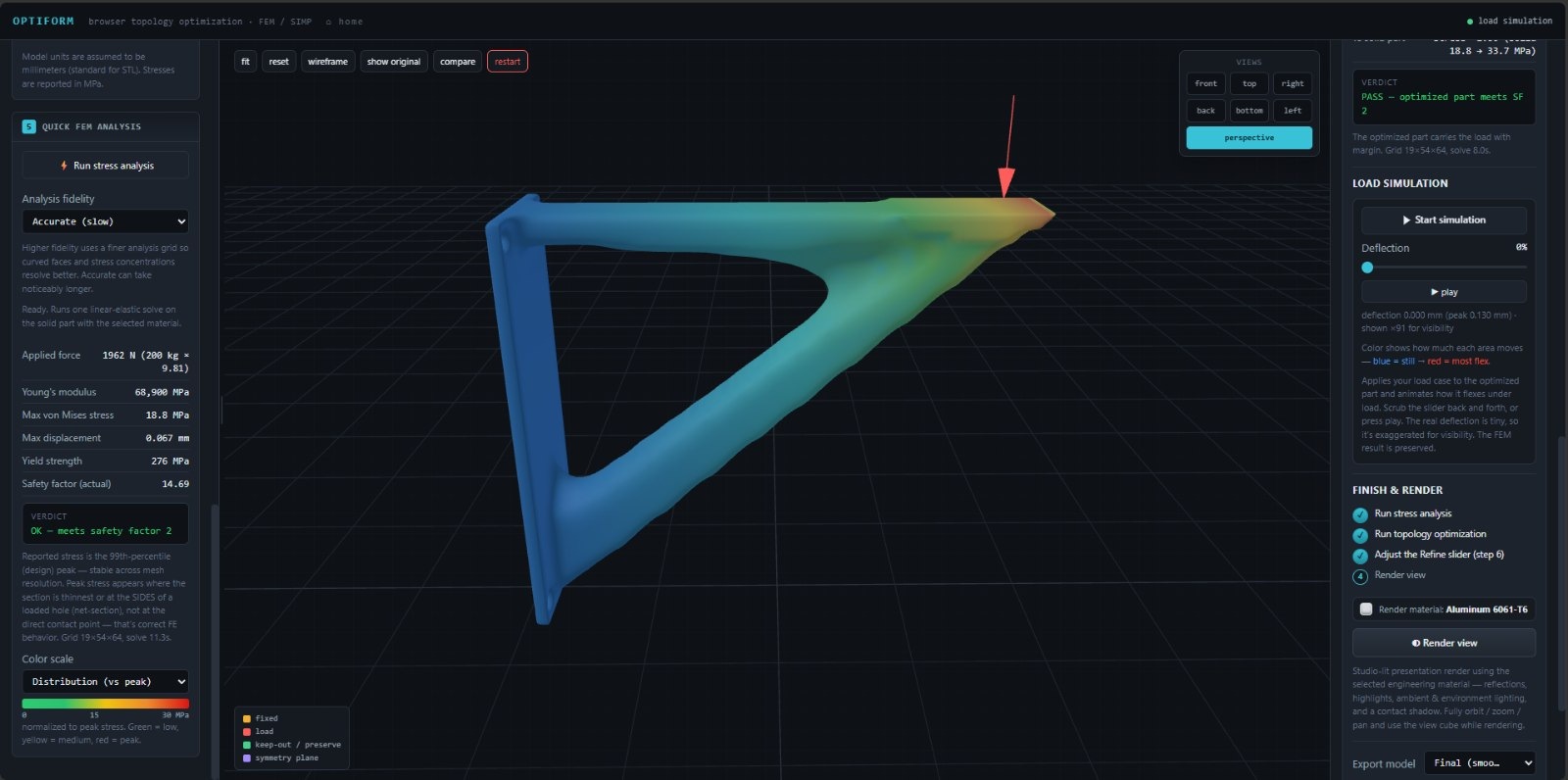
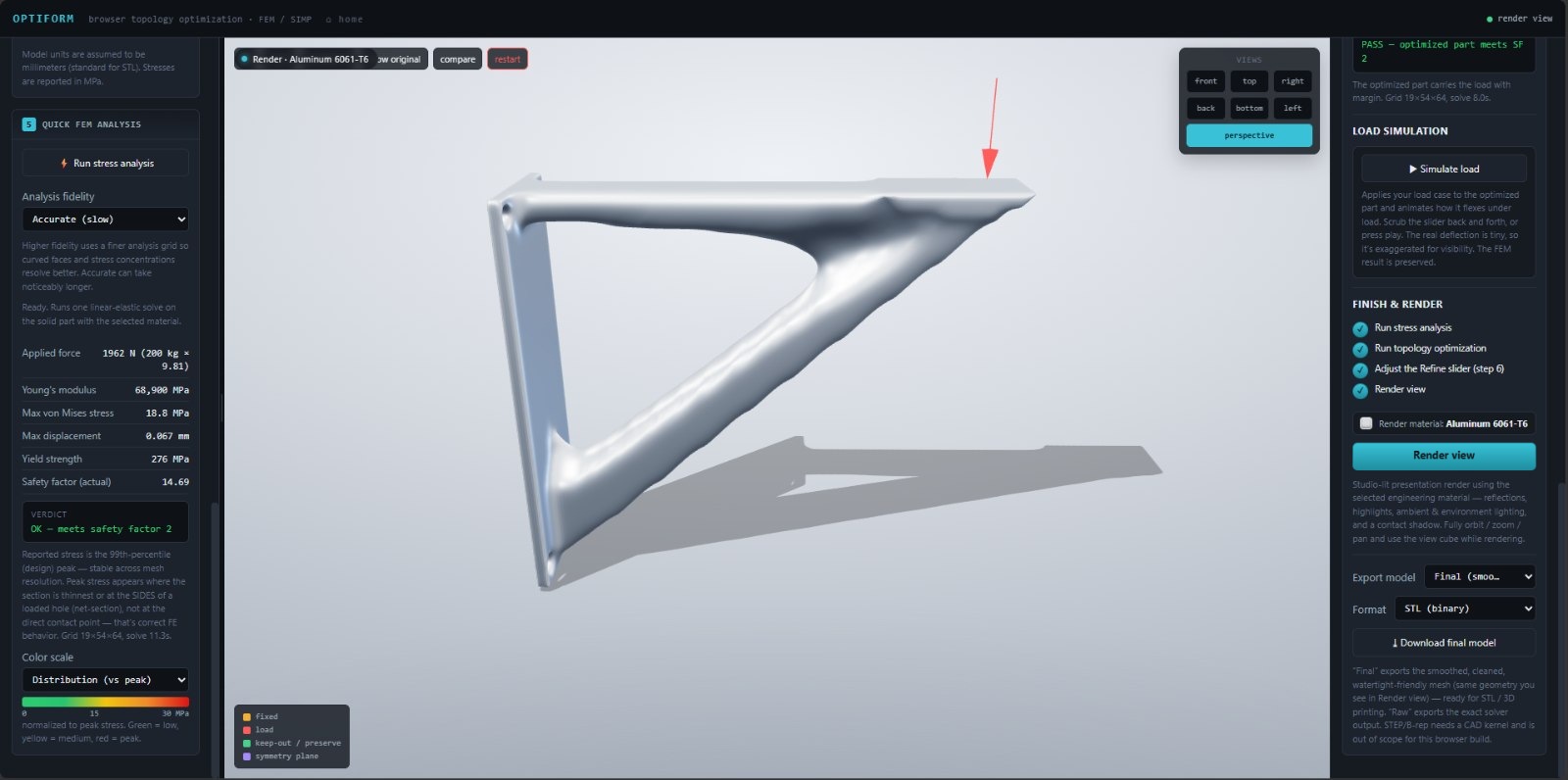
Upload your part, define where it is supported and where forces are applied, and let OptiForm remove unnecessary material while maintaining structural performance.

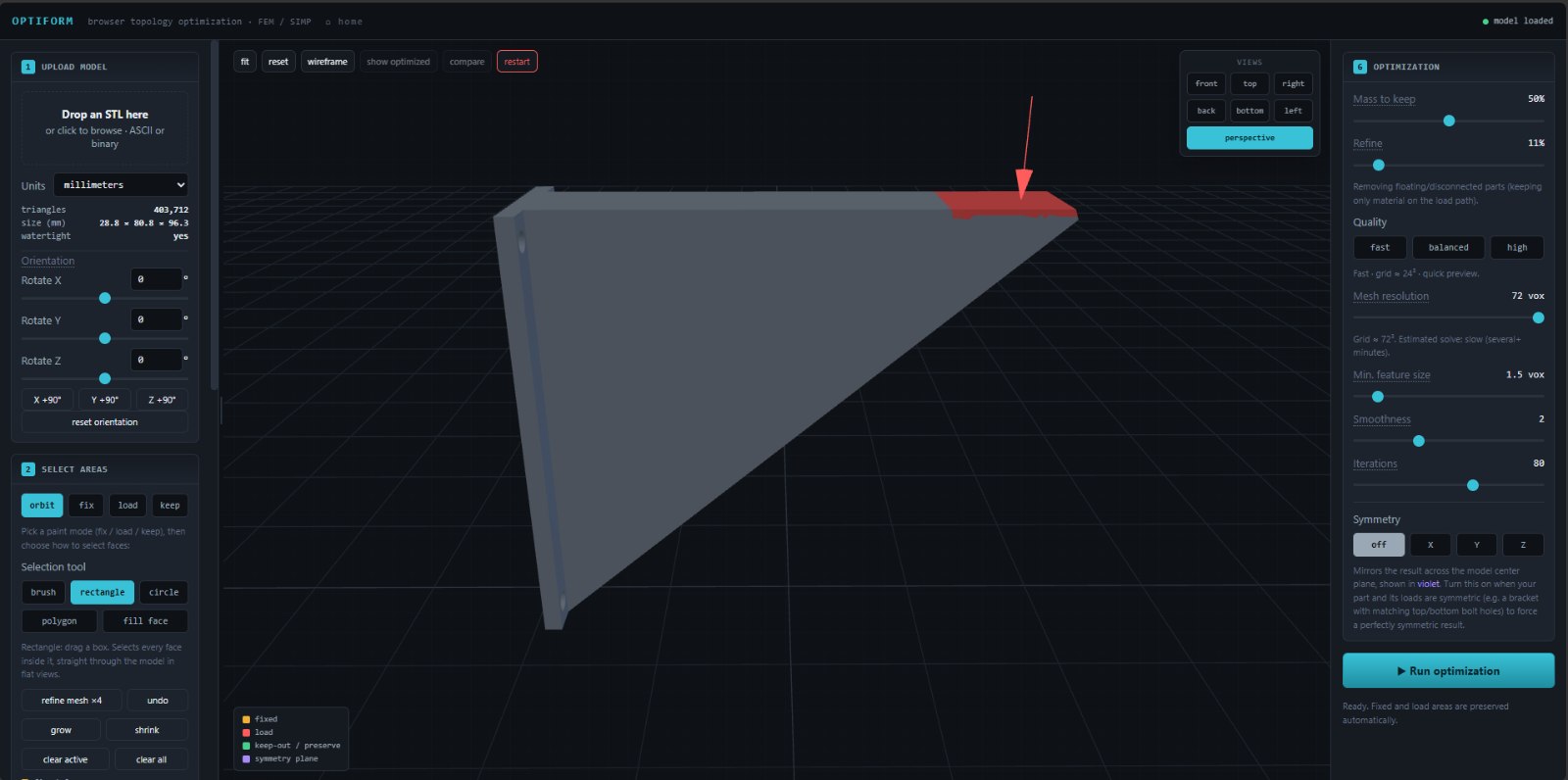
  1. 01Upload an STL — Import an STL file in ASCII or binary format using your preferred units.
  2. 02Paint the physics — Paint fixed supports, applied loads, and protected regions directly onto the model.
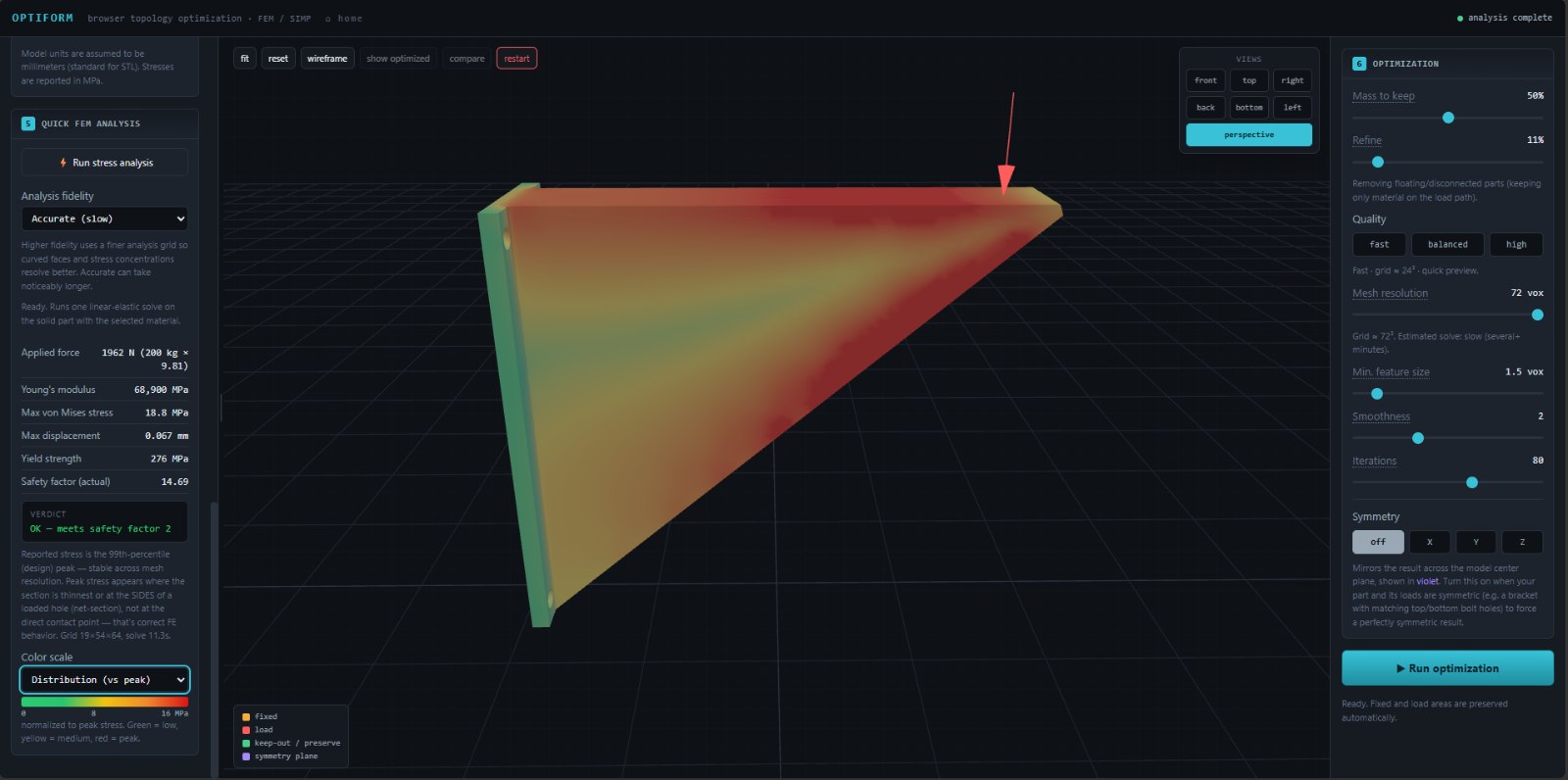
  3. 03Run FEM — Run an FEM analysis to reveal how stress is distributed throughout the part.
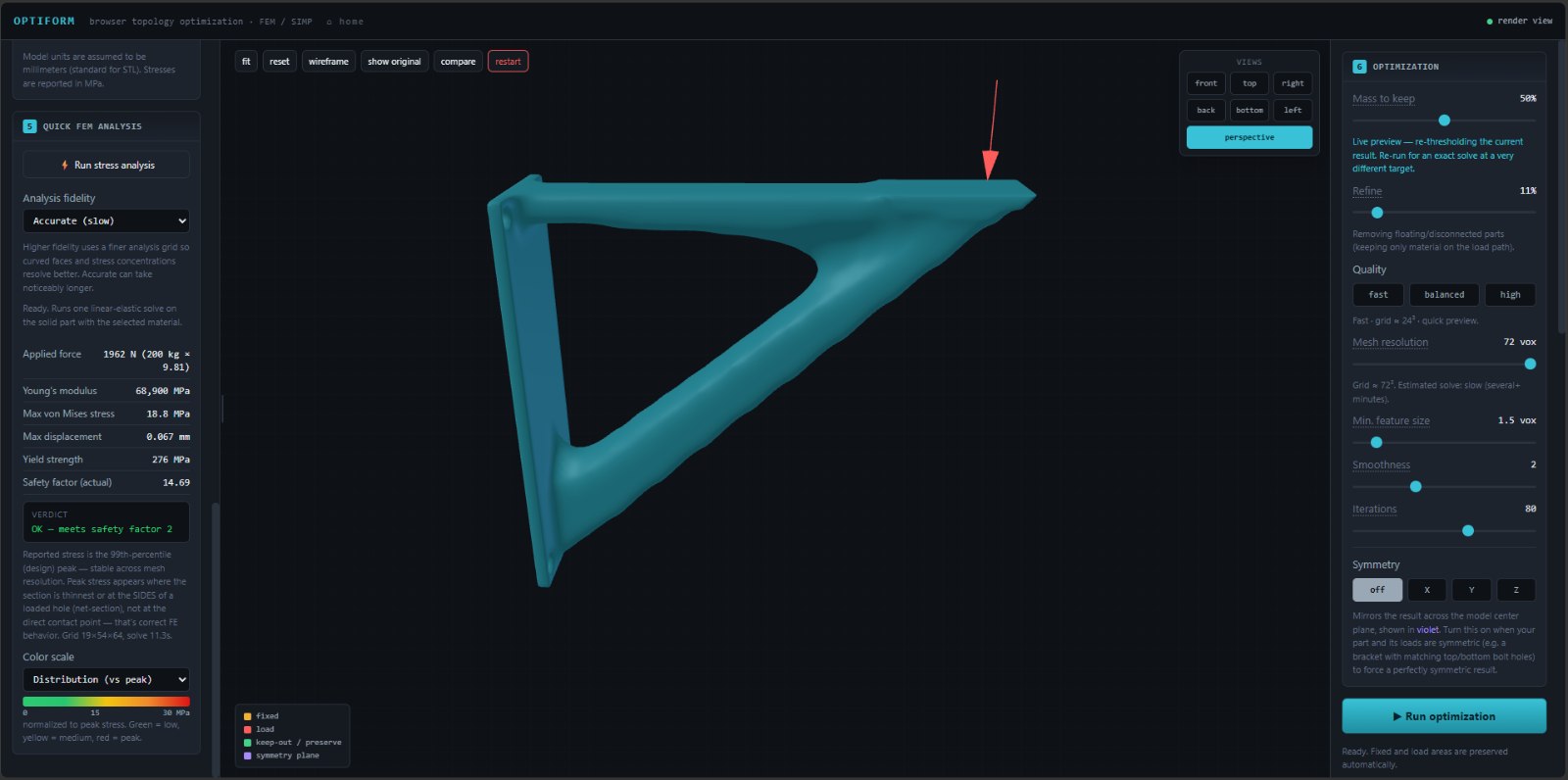
  4. 04Optimize by mass target — Set your target mass and let OptiForm remove material where it is no longer needed.
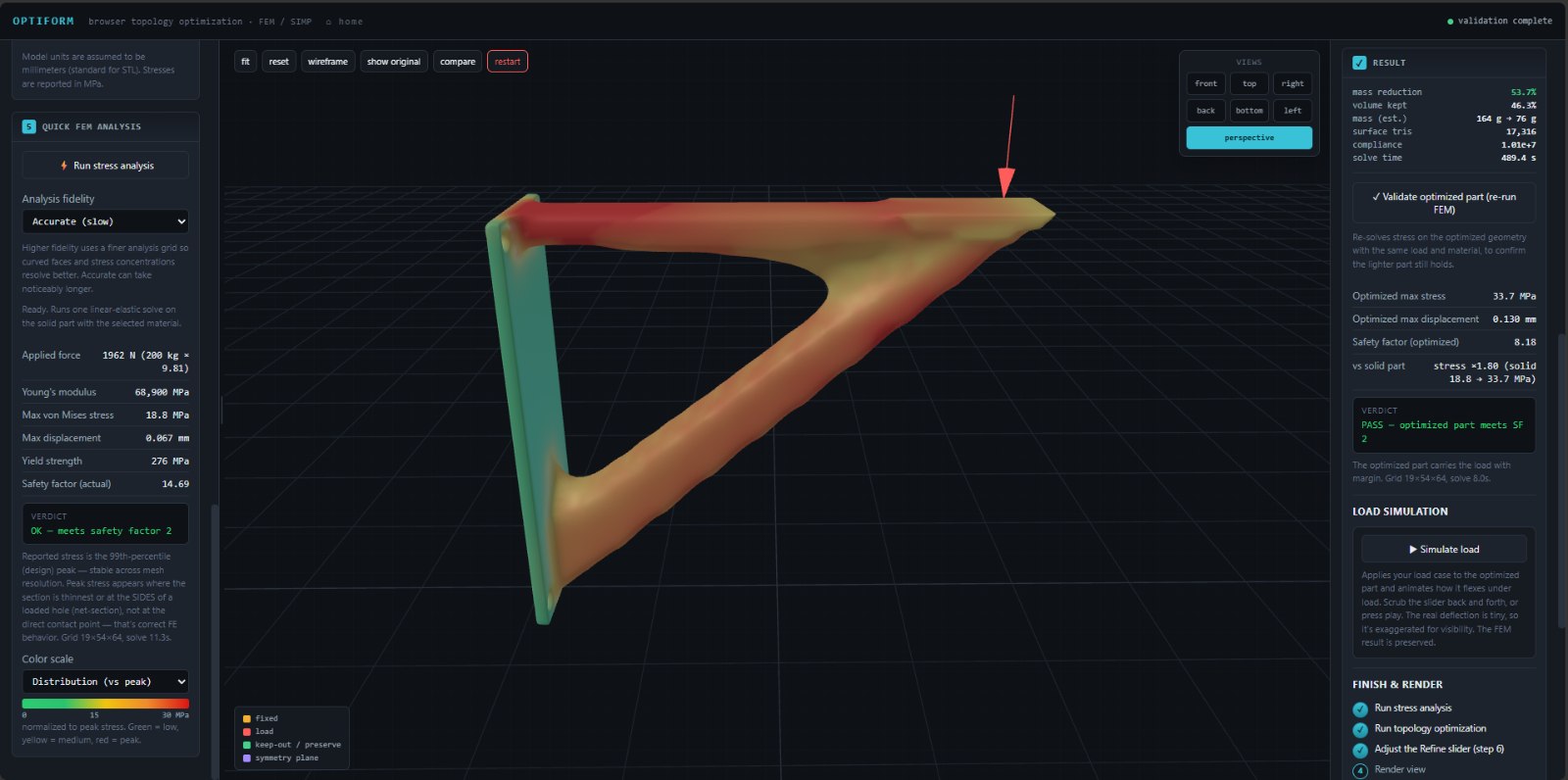
  5. 05Refine, render & validate — Smooth the optimized result, validate its performance, and export the final geometry.
FEM analysis Fix / load / keep SIMP optimization Validation & export

Workspace 02

Lattice & TPMS generator

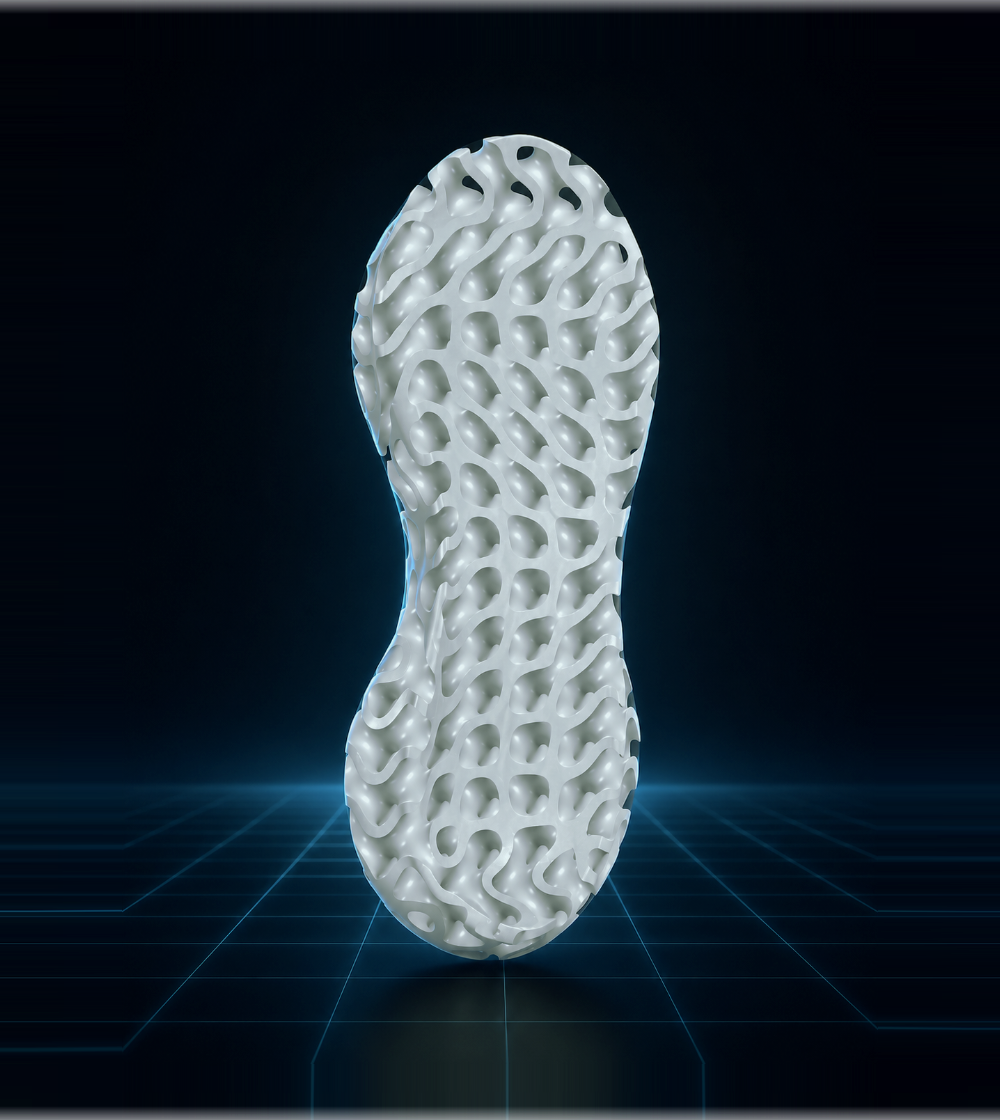
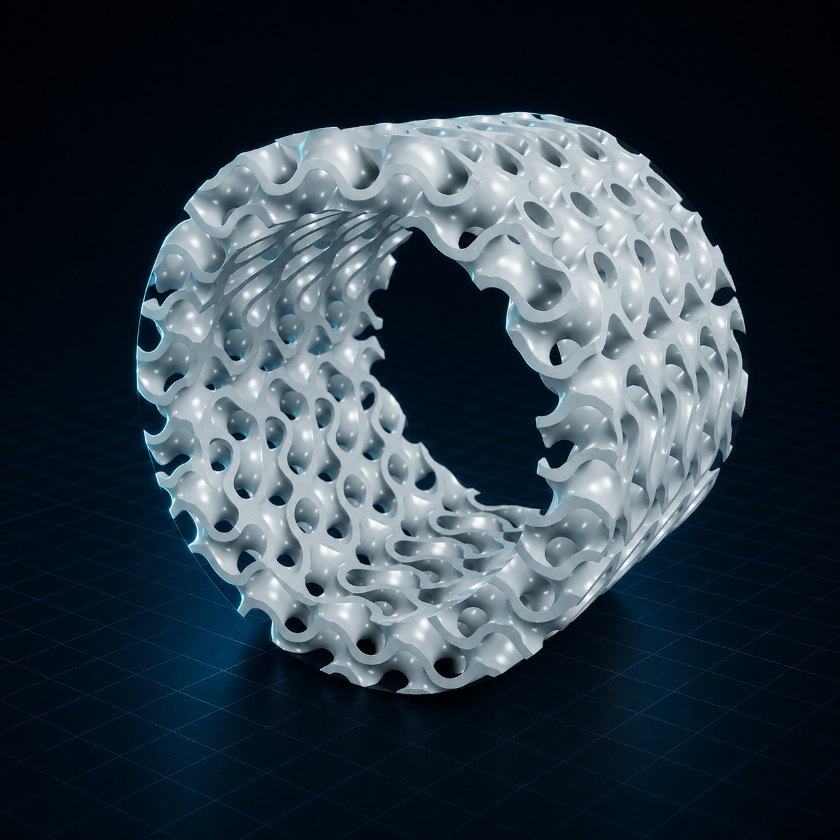
Fill any uploaded model with conformal lattice or smooth TPMS geometry — lightweight, breathable, printable structure that follows the shape of your part.

  1. 01Upload your model — Import the part you want to transform with an internal lattice structure.
  2. 02Choose a structure — Select from open strut lattices or continuous TPMS surface patterns.
  3. 03Adjust size and density — Control the cell scale and strut or wall thickness to achieve the desired weight and stiffness.
  4. 04Fit the lattice to the part — Generate and trim the structure cleanly within the boundaries of your model.
  5. 05Validate and export — Check that the final geometry is watertight, then export it as an STL or OBJ file.
One generator, many structures

A whole library of lattices and surfaces

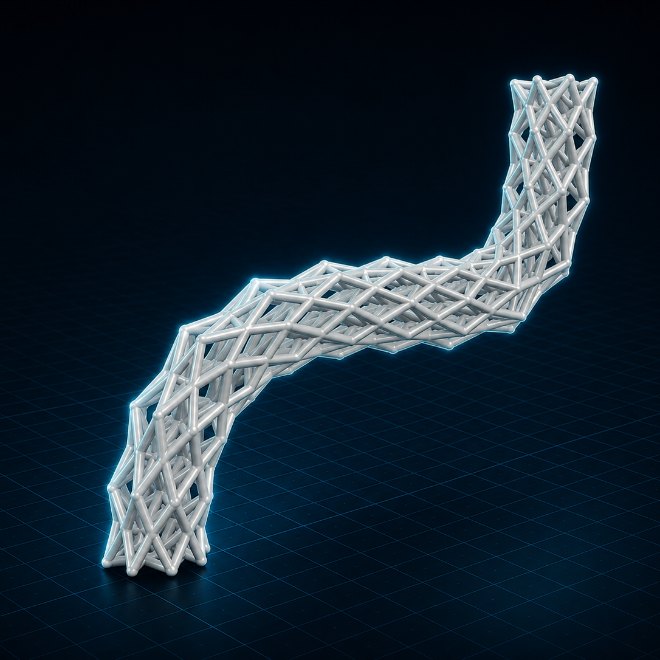
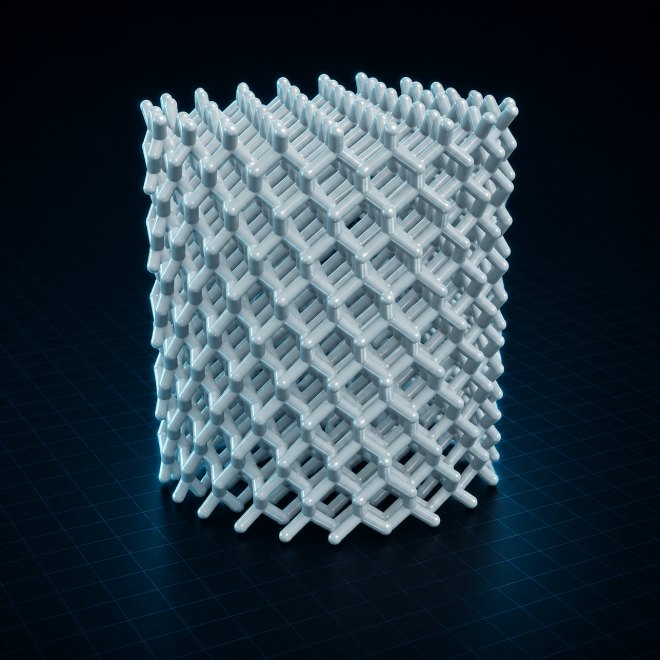
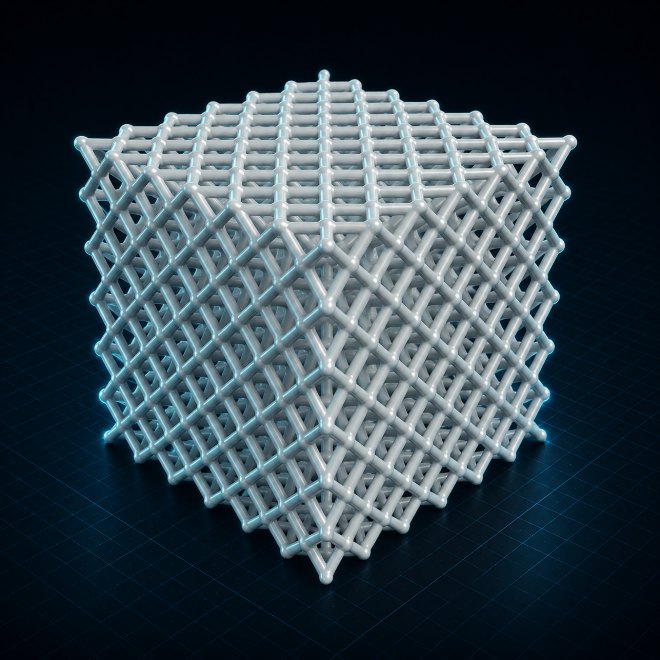
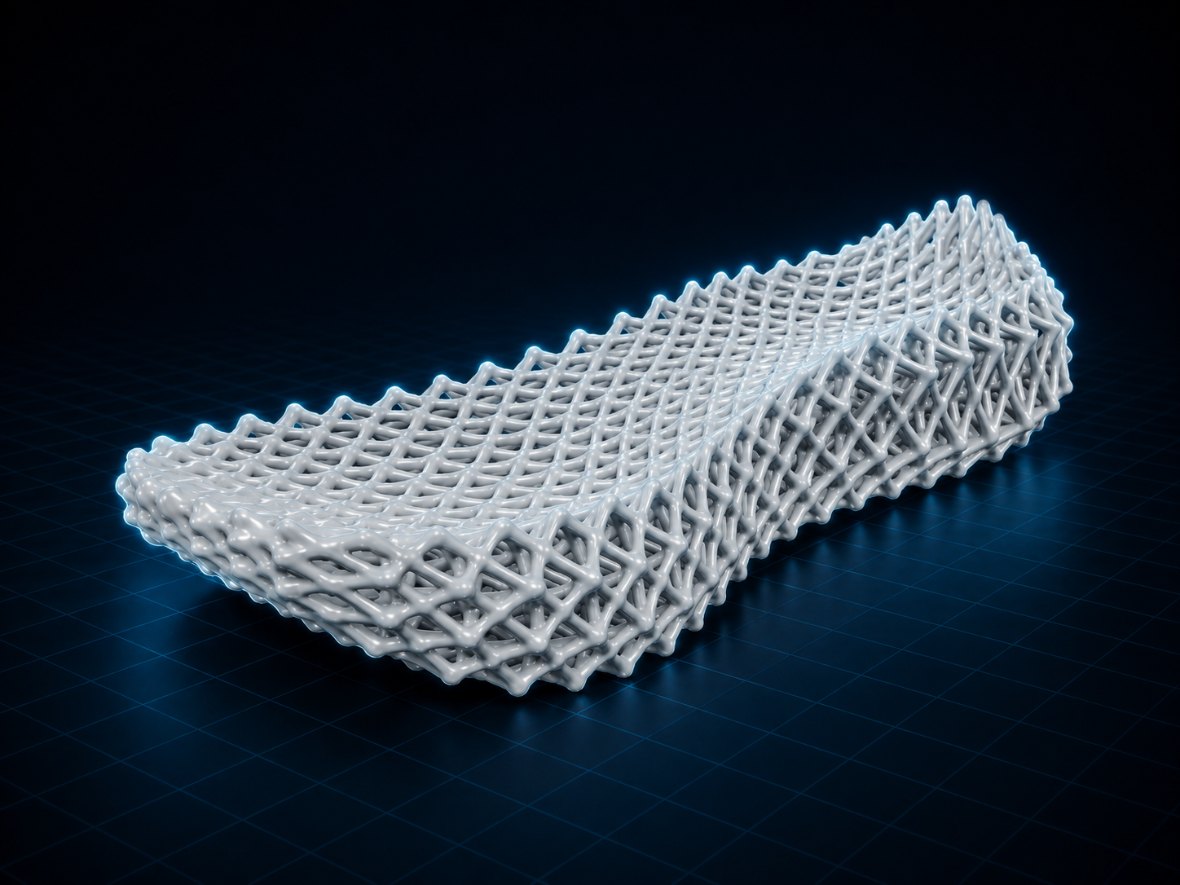
Open strut cells, continuous minimal surfaces, denser trusses, breathable infills — each generated to fit your part, each tunable and each exportable. A few of the families OptiForm can build:

Conformal lattice TPMS surfaces Cell / wall control STL / OBJ export
Body-centred cubic lattice

Body-centred BCC

Face-centred cubic lattice

Face-centred FCC

Diamond cubic lattice

Diamond cubic

Cubic plus BCC lattice

Cubic + BCC

Octahedral lattice

Octahedral lattice

Rhombic lattice

Rhombic lattice

Auxetic lattice

Auxetic lattice

Tetrahedral lattice

Tetra lattice

Kelvin cell lattice

Kelvin cell


Dial in the resolution

Preview fast, export fine

Every result has a quality dial. Start coarse for a quick look, then push the mesh resolution and shrink the minimum feature size for a smooth, print-ready surface — OptiForm shows you the cost before you commit.

Fast
grid 24³ vox · quick preview
Balanced
grid 48³ vox · design review
High
grid 96³ vox · print-ready

Open OptiForm and start optimizing.

No account, no upload to a server — the whole tool runs locally in your browser, and your models never leave your machine. Pick a workspace and go.