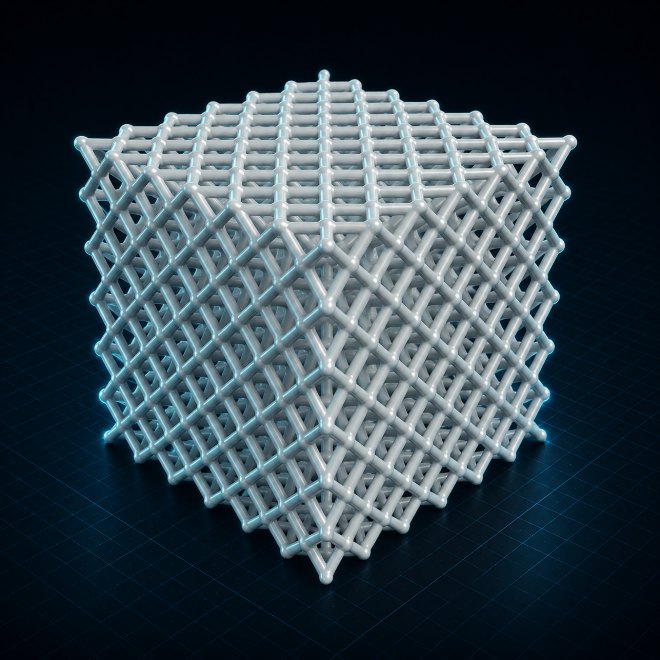
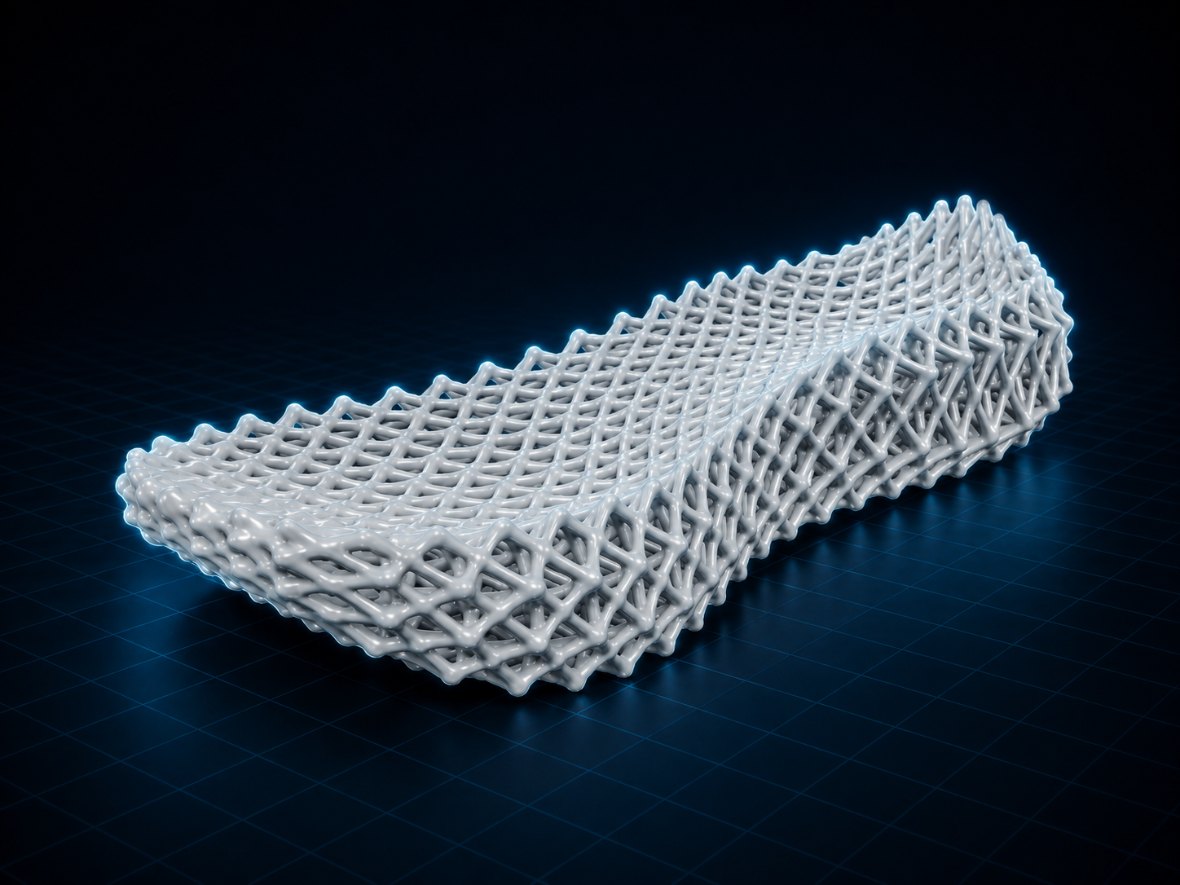
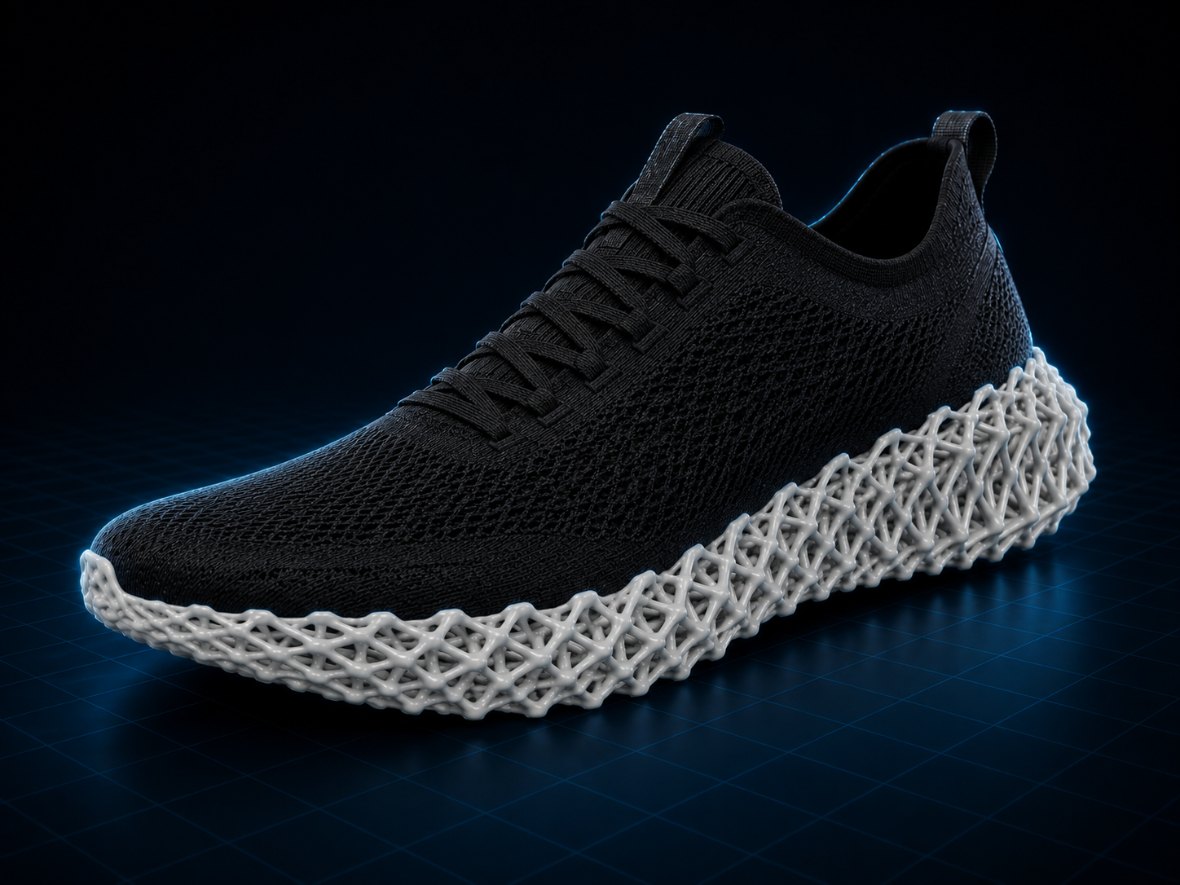
Turn solid geometry into lighter, performance-driven parts. Use FEM-based topology optimization to preserve critical load paths, or create lattice and TPMS structures with control over density, thickness, and orientation.
Designed for watertight STL files — from brackets and mounts to housings, ducts, midsoles, and more.
2 in 1
Remove material, or add structure
9 cells
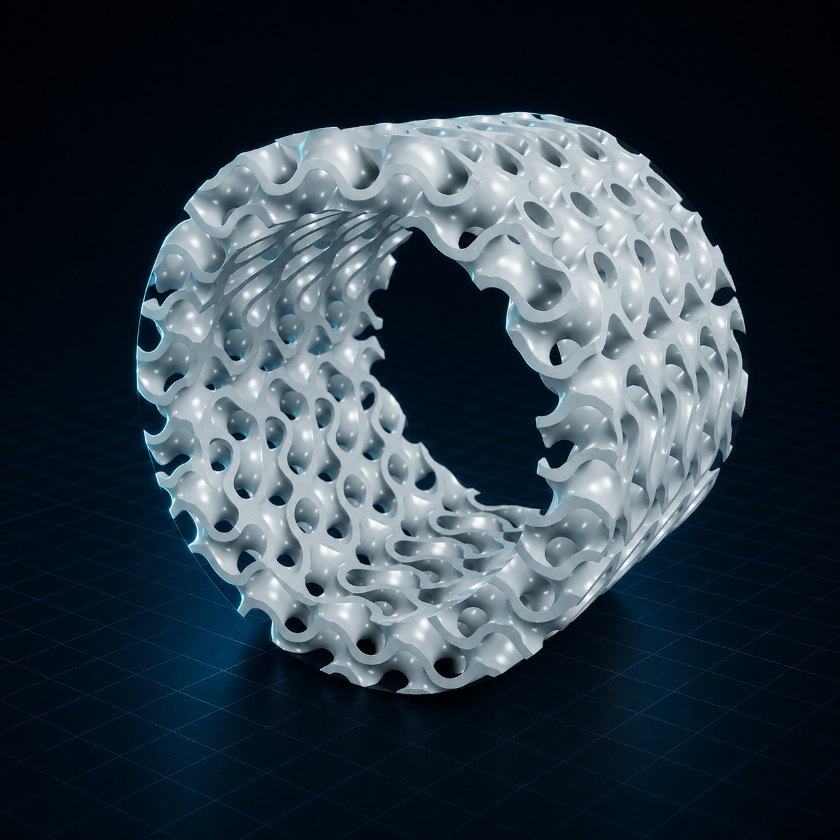
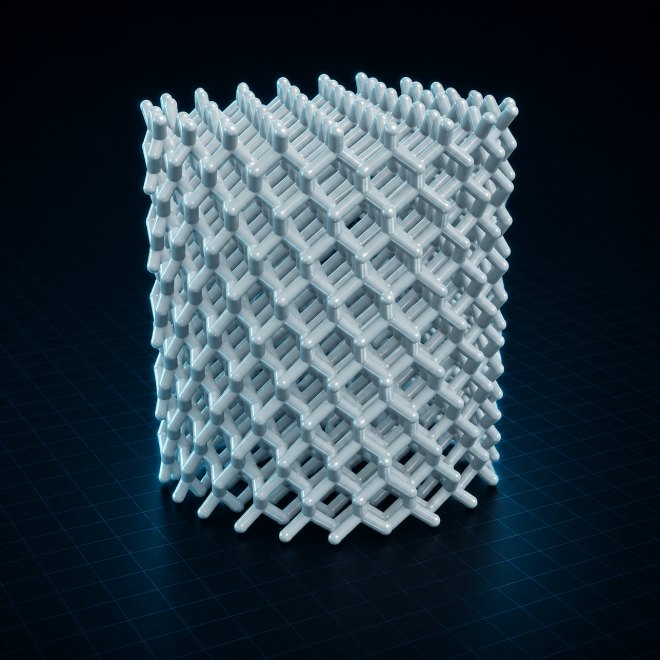
Strut families and TPMS surfaces
Browser
Nothing to install or license
STL / OBJ
Watertight meshes, slicer-ready
OptiForm gives designers and engineers a practical way to explore performance-driven forms, reduce material use, and develop parts for further evaluation and manufacturing.
Follow a complete topology optimization workflow, from defining supports and loads to evaluating, refining, and exporting the final geometry.
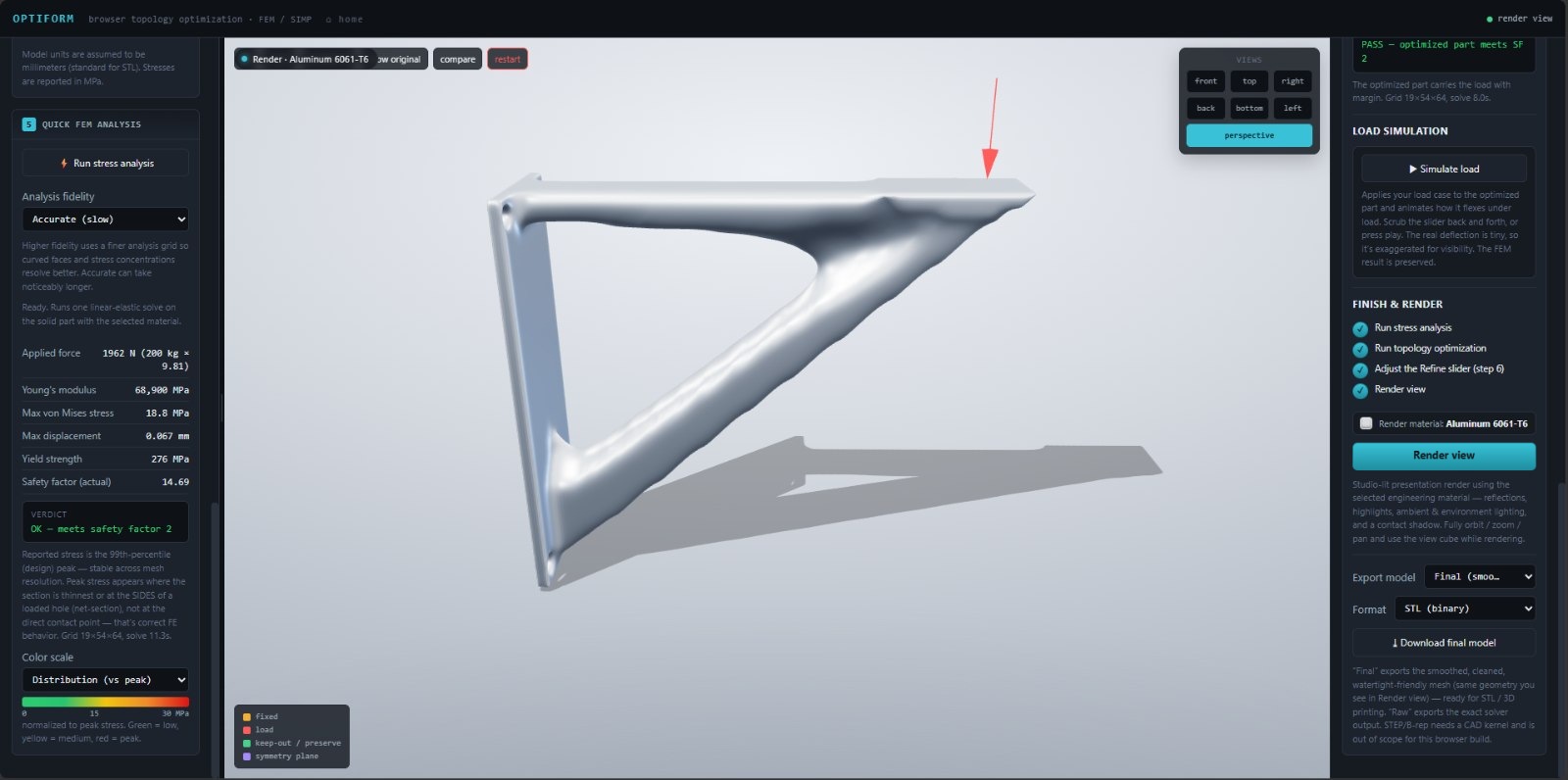
403,712-triangle aluminium bracket · 164 g initial mass · 76 g optimized mass
Select a step or highlighted area to explore the controls behind the result
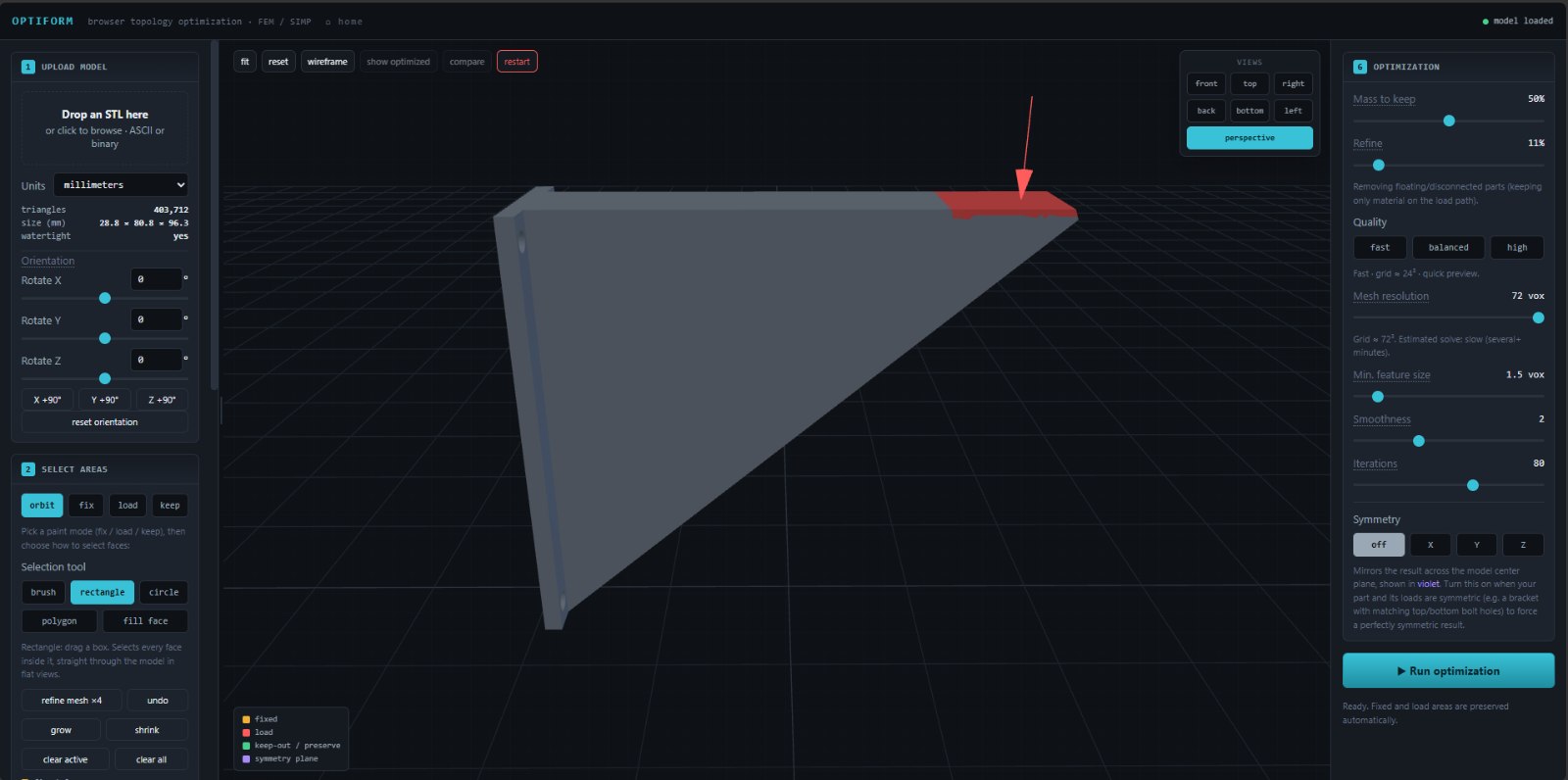
01Drop the STL here, then square it up with the orientation sliders.
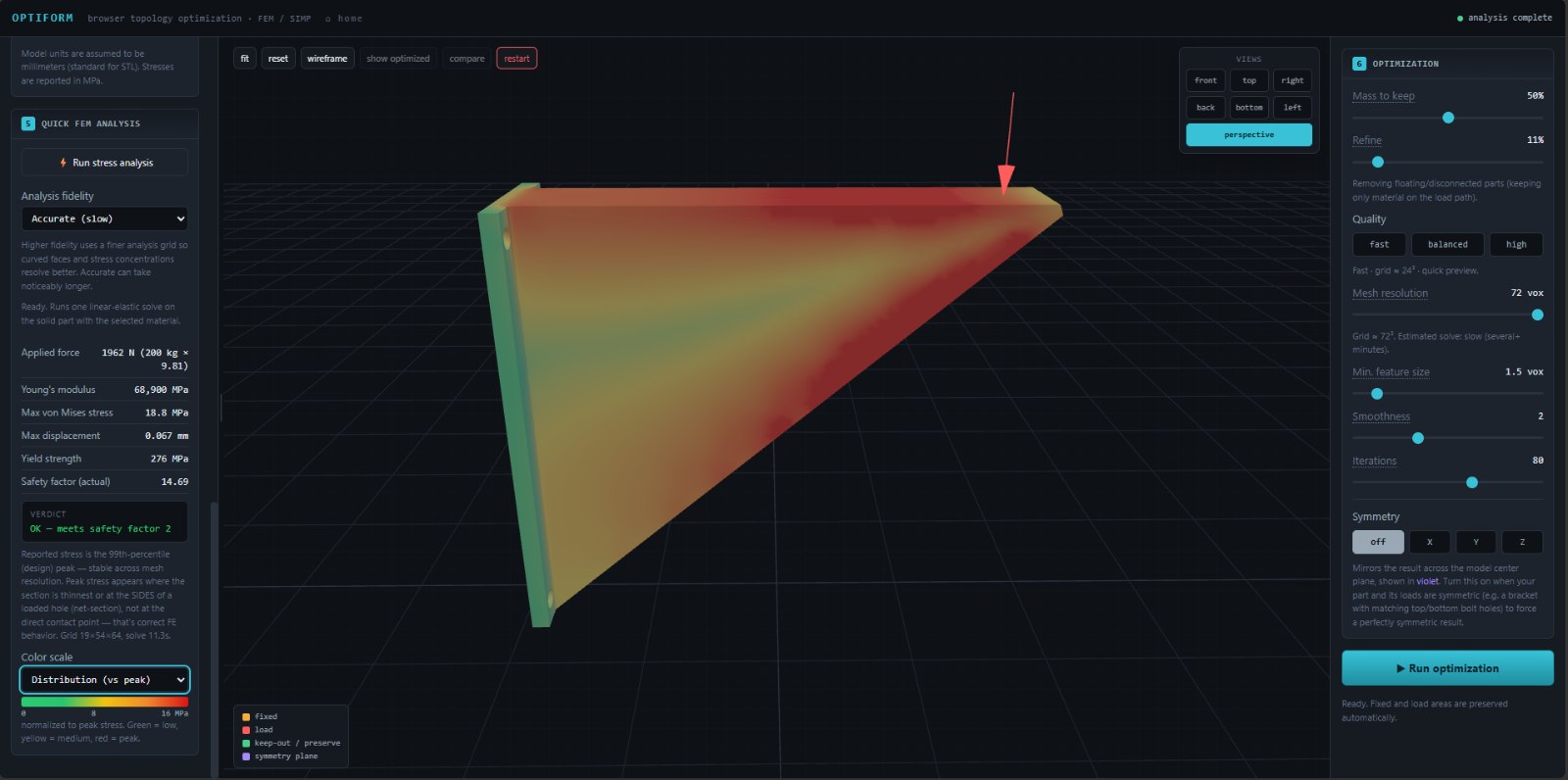
02Solve the solid part first — that run is your baseline.
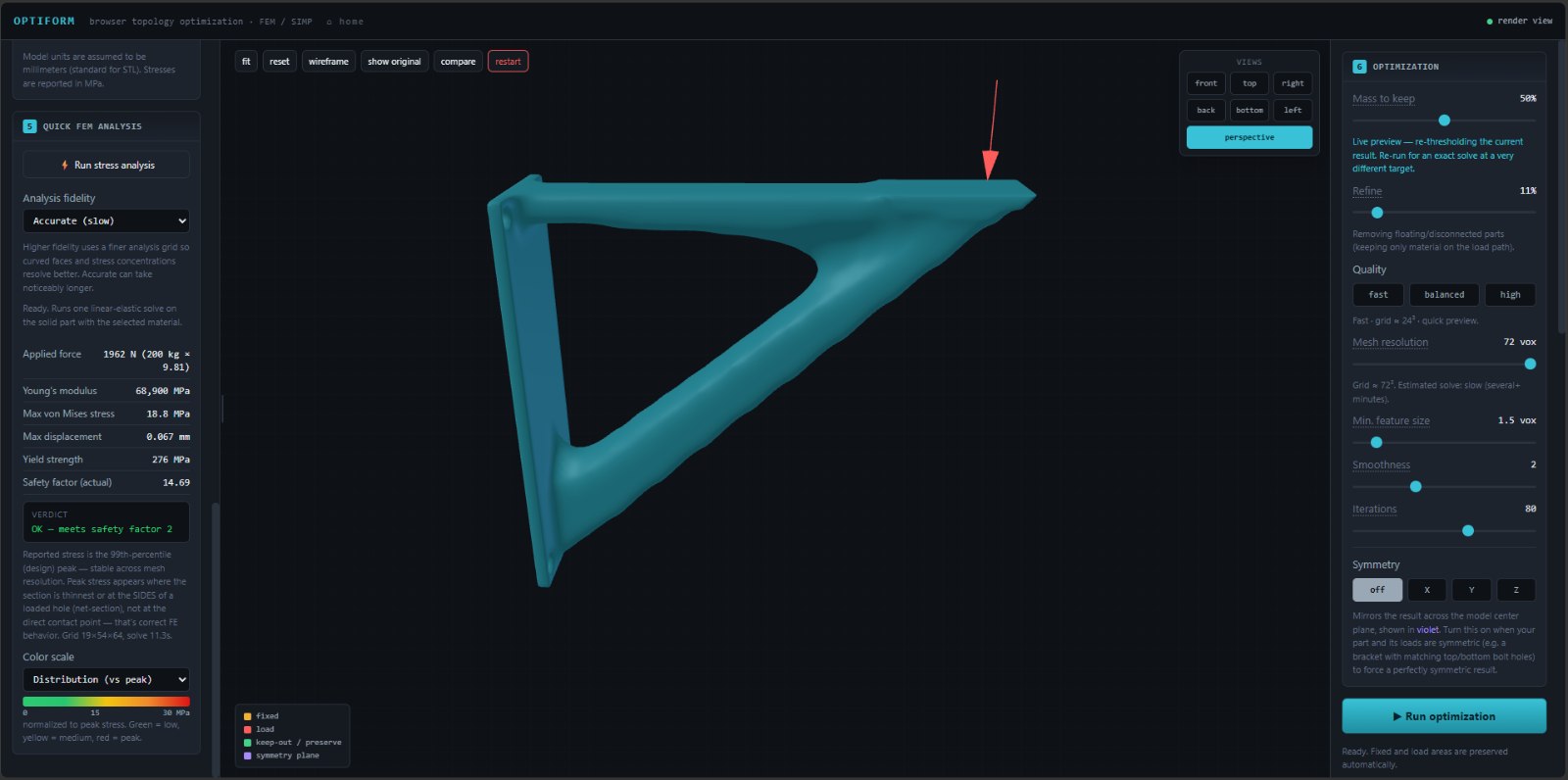
03Set the mass you want to keep, then refine.
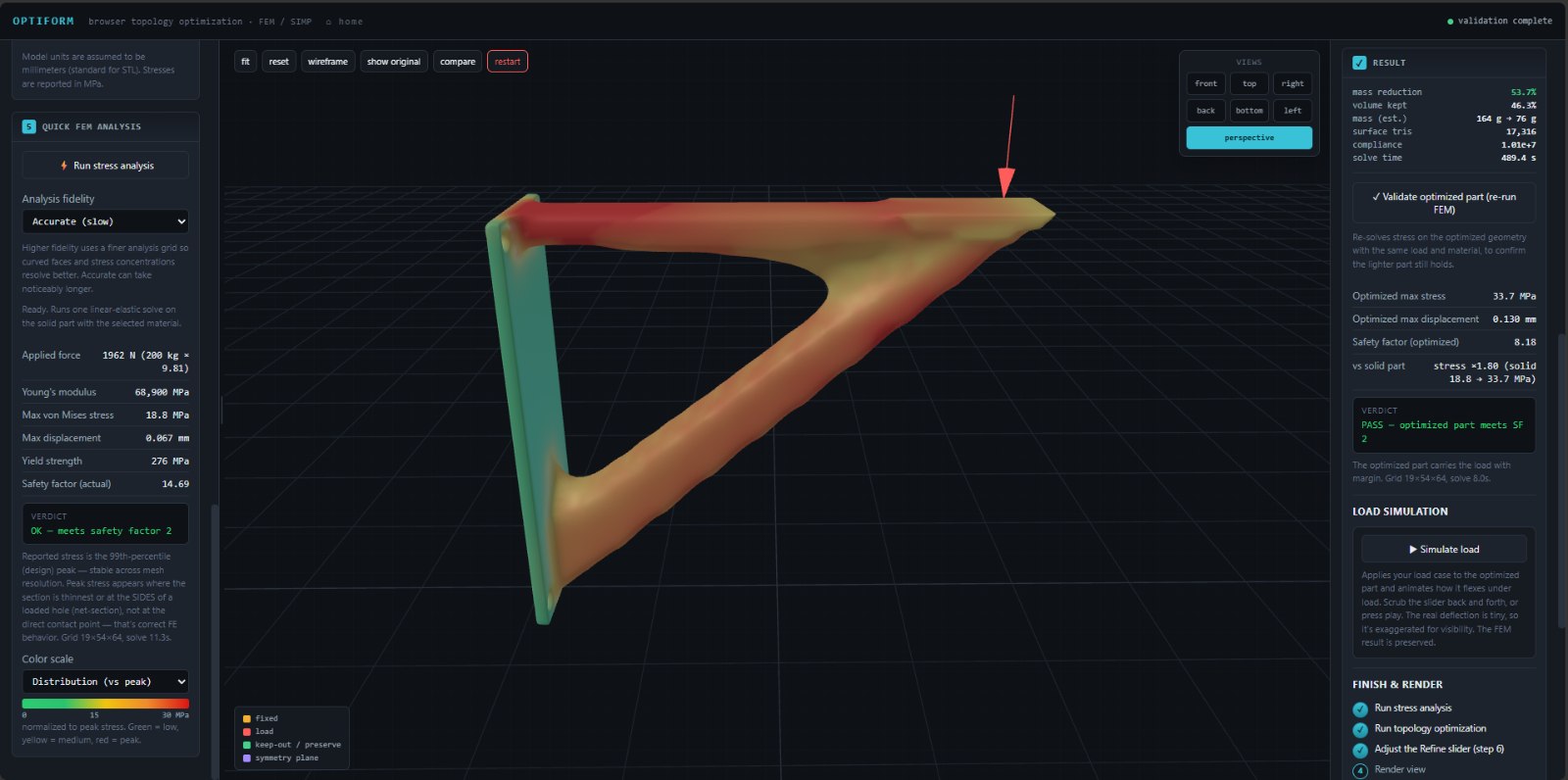
04Re-run the FEM on the new geometry before you trust it.
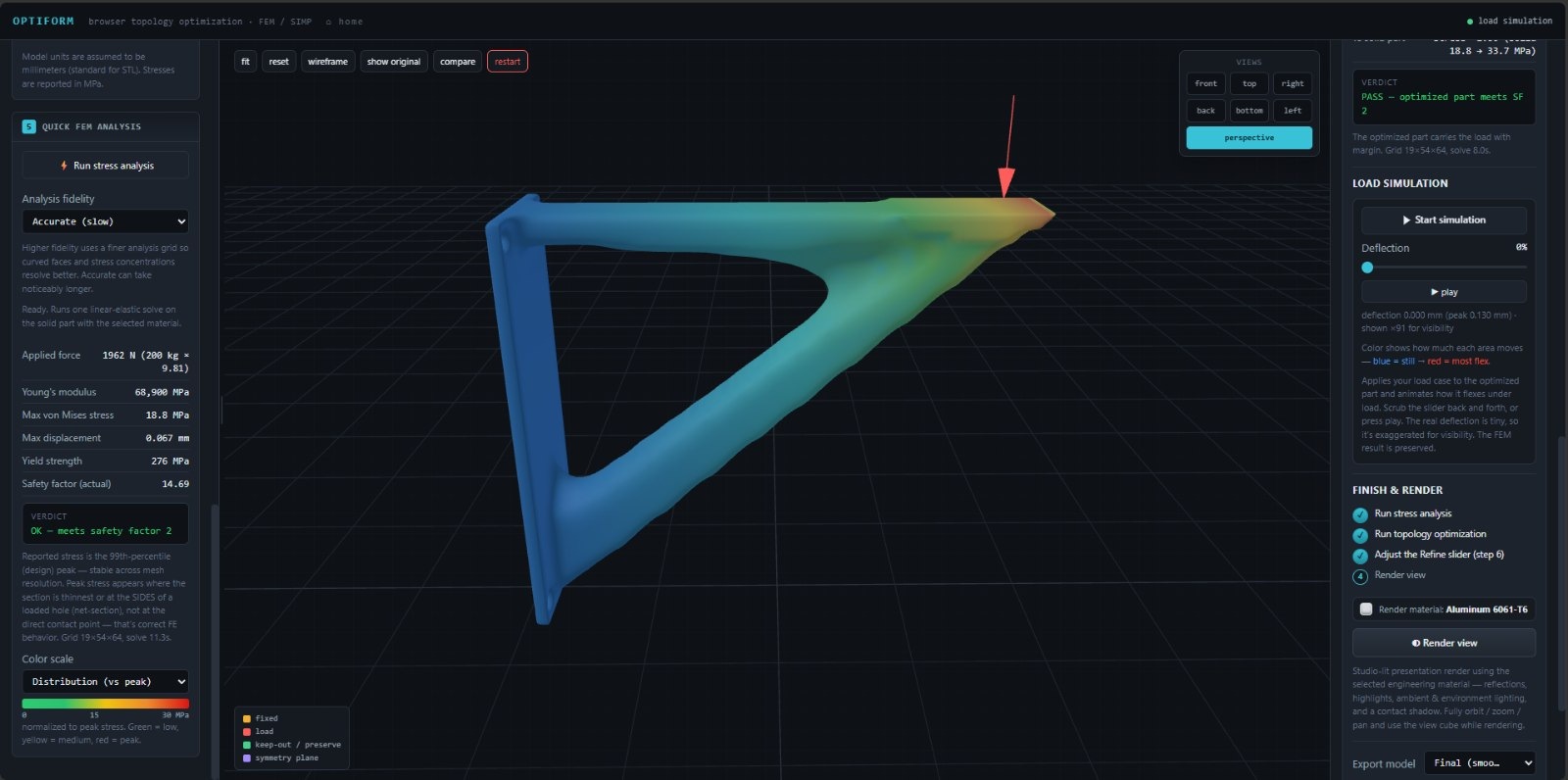
05Play the load case back and scrub through the deflection.
06Check the surface under studio light, then export.
01 — Define the case403,712 triangles, 28.8 × 80.8 × 96.3 mm, watertight. Base fixed, top face loaded at 200 kg. Every number that follows depends on these two choices.
02 — Read the stress18.8 MPa peak against a 276 MPa yield, 0.067 mm of movement, safety factor 14.7. Fourteen times stronger than the job needs — that headroom is the material to remove.
03 — OptimizeSIMP at a 50% mass target: everything off the load path is thresholded away and what remains is smoothed. The live preview comes back 54% lighter.
04 — VerifySame load, same material, new geometry — 164 g → 76 g, 33.7 MPa, safety factor 8.2, verdict PASS. Half the mass, still eight times the margin.
05 — SimulateThe load case replayed on the optimized part. Peak movement 0.130 mm, exaggerated ×91 so it reads on screen: blue is still, warm is flexing.
06 — Render & exportStudio lighting in the chosen engineering material — Aluminium 6061-T6 here — then out as a smoothed, watertight binary STL.
OptiForm brings lattice and TPMS generation into one practical workspace for lightweight product development, performance exploration, and additive manufacturing.
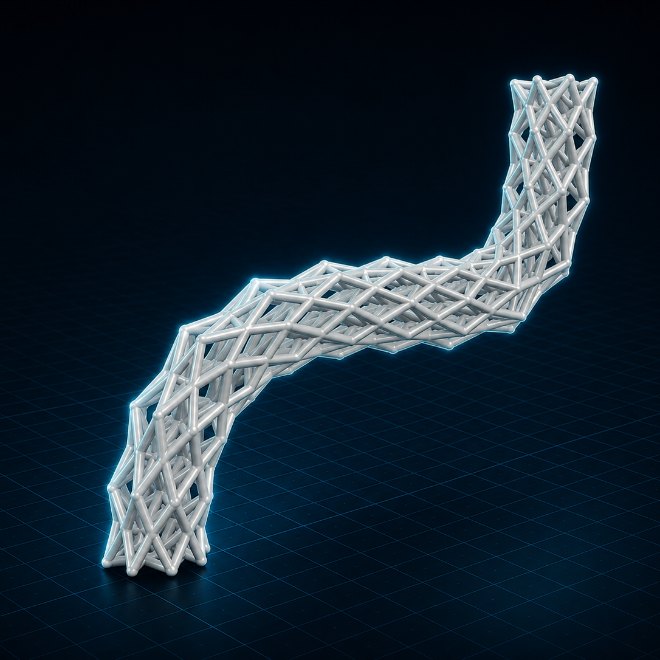
Explore nine lattice topologies, each offering a different balance of form, performance, and manufacturability.
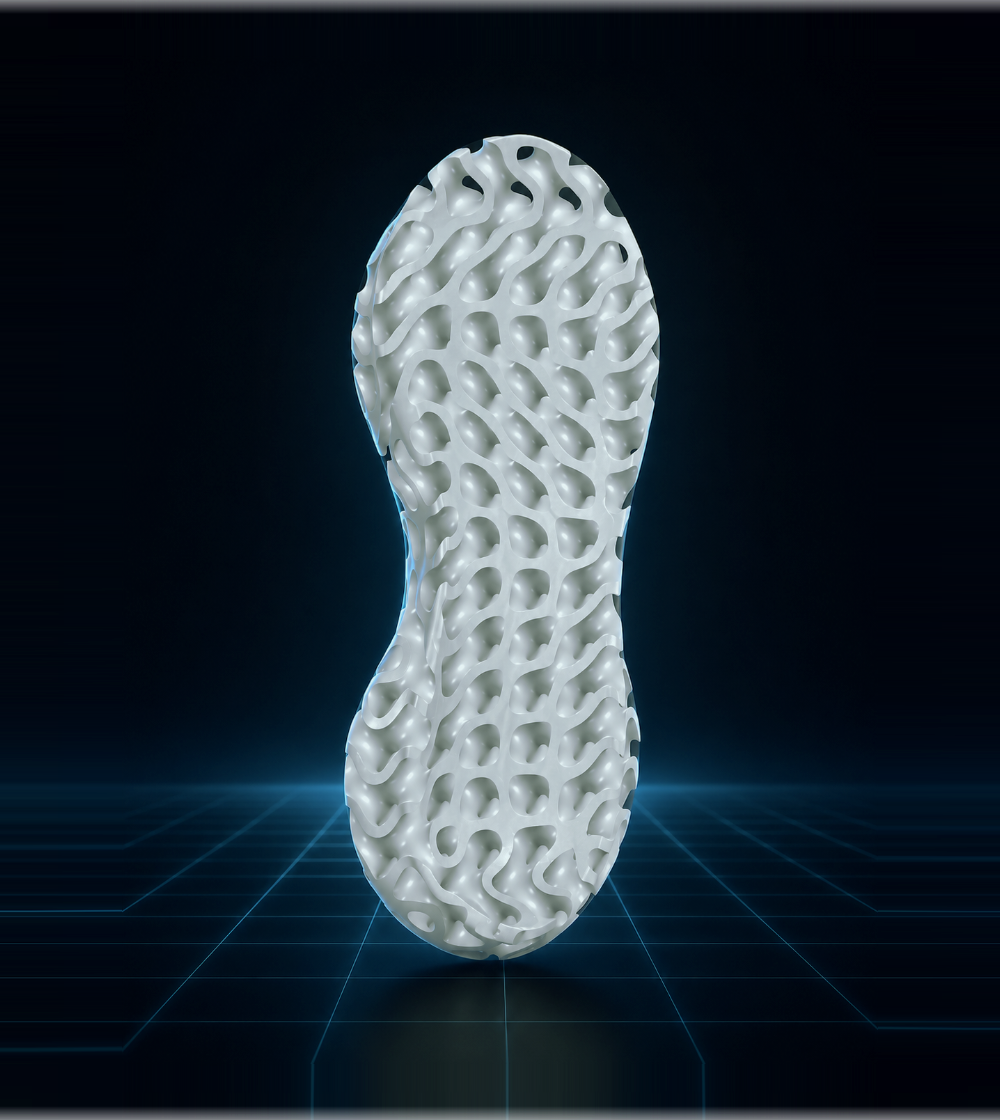
Generate lattice and TPMS structures that adapt to the form of the part. OptiForm works across curved surfaces, internal bores, tapered volumes, and complex cross-sections.


Starting with the original sole volume, OptiForm generated a conformal lattice ready for export and integration into a complete product concept.


Resolution defines the voxel grid used to process the geometry. Lower settings produce faster previews, while higher settings capture finer features and generate smoother final geometry.
Import a watertight STL or OBJ and begin working directly in your browser. No account, no cloud queue, and no file upload. Processing stays on your own device.
My name is Nathan Motta, I am an industrial designer with a background in CAD, product development, and computational design. During my studies, I worked extensively with SolidWorks, Rhino, and Grasshopper, but after graduating, I realized that many advanced design tools were either too expensive or unnecessarily complex for independent designers.
I created OptiForm to make topology optimization and parametric structure generation easier to access and operate. It brings these capabilities into a practical browser-based workspace designed for students, independent designers, and engineers who want powerful tools without high costs or complicated workflows.